
Connection Setup
Your tools, connected once We connect the software you already pay for to Agent Base, with the access you choose for every agent.
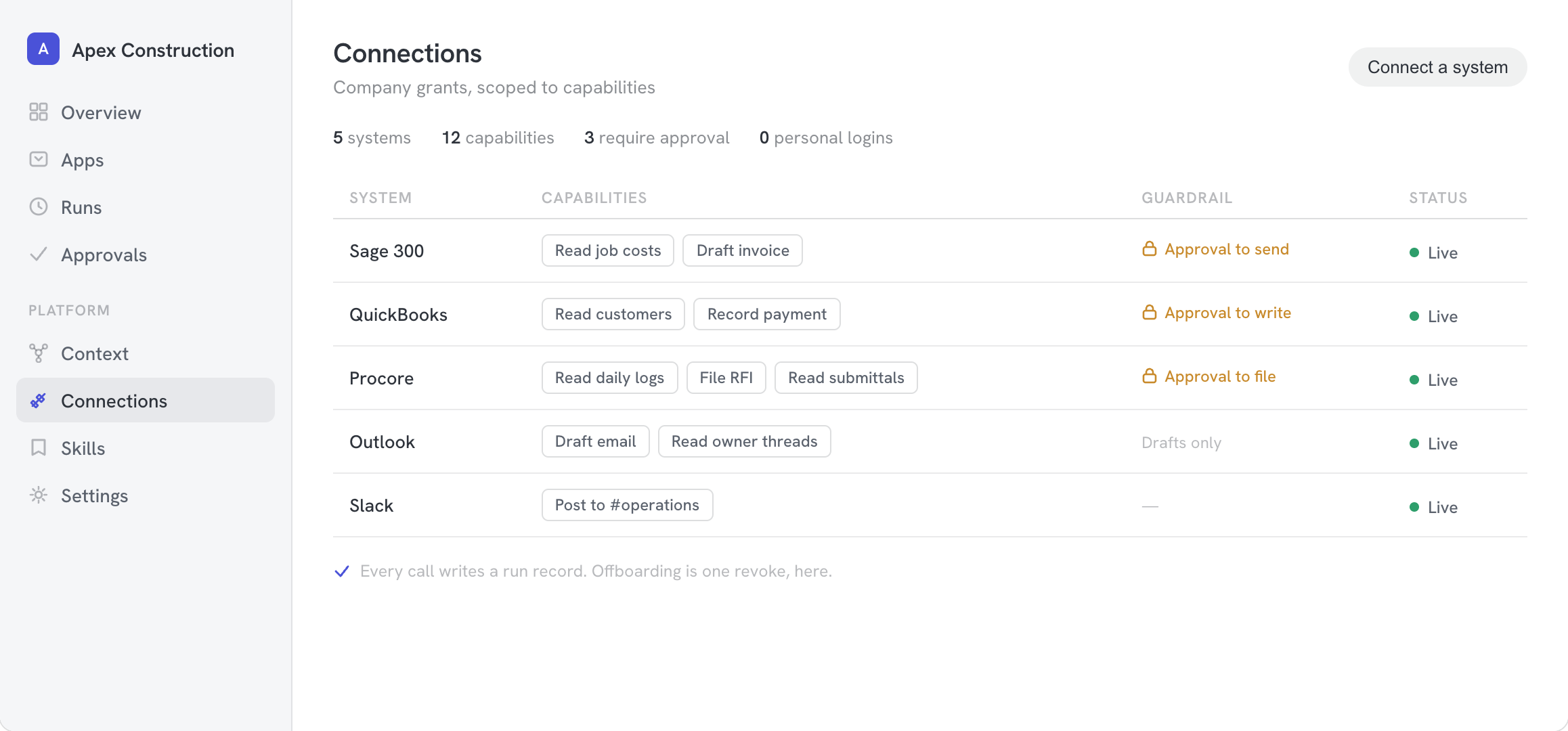
No one's personal login should be holding up your operations.
The company holds the grants
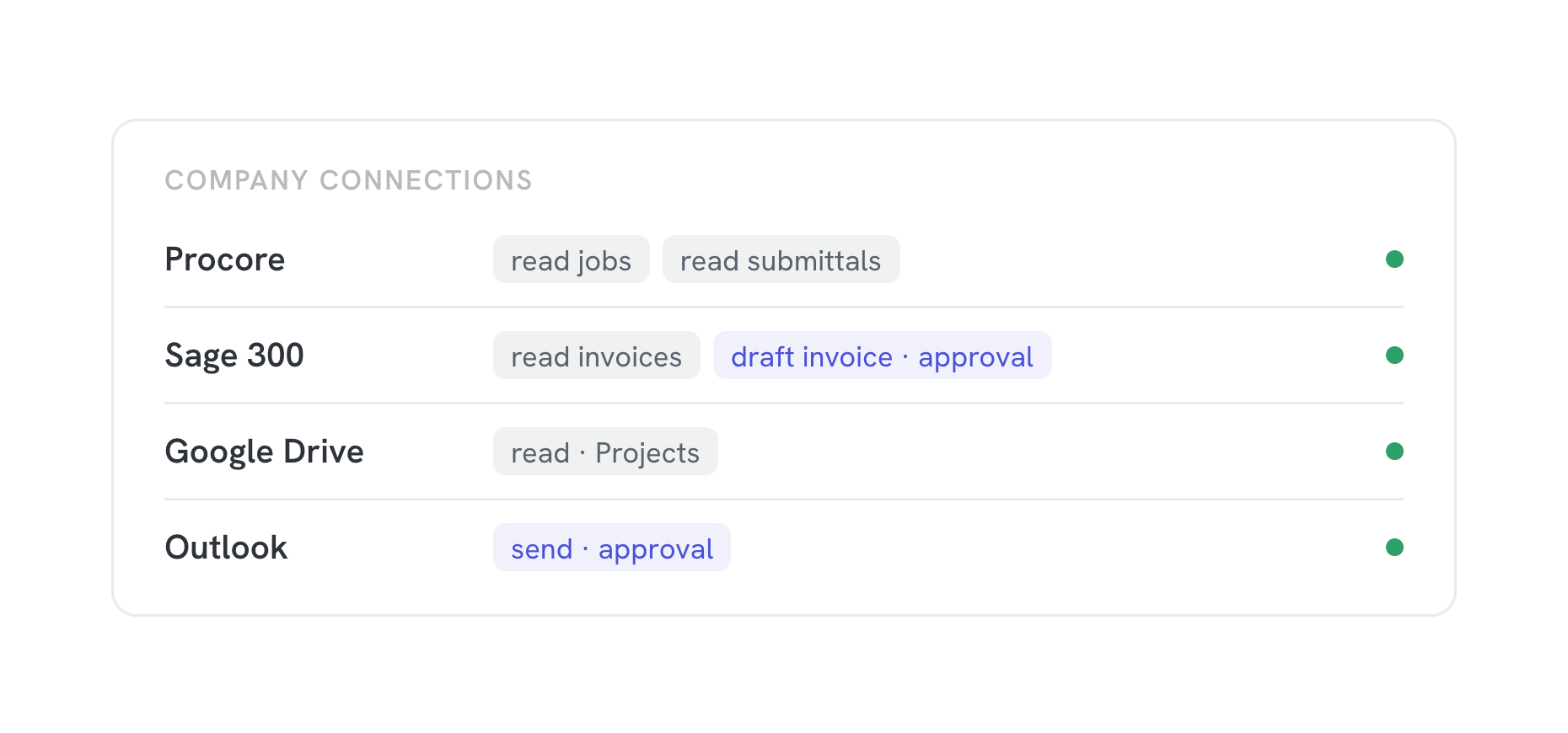
Connections belong to the company, not to whoever set them up. People come and go; access stays put.
Capabilities, not keys
An agent gets "draft an invoice", not the keys to the accounting system.
Every call on the record
Which agent, which capability, when, and what happened, in one log.
Read first, write with approval We start every connection read-only. Anything that sends, posts, or pays waits for a person until you decide otherwise.
How we set it up Usually a few working sessions.
We connect the systems your mapped workflows touch first.
01
List what you run
We inventory your software from the map: what each team uses, who owns it, and what it holds.
02
Connect at the company level
We connect each system to Agent Base under a company account, with your admin in the room.
03
Scope each capability
For every agent and role, we decide together what it may read, what it may draft, and what needs a person.
04
Check the log
We run real tasks through the connections and review the record with you before anyone relies on them.
Questions & answers
Which systems can you connect?
Most software with an API or an MCP server: accounting, project management, CRM, files, mail, and calendars. If a system has no way in, we will tell you and suggest what to do about it.
Do agents see our passwords?
No. Agents never hold credentials. They ask Agent Base for a capability, and Agent Base calls the system under the company's grant.
Can we turn a connection off?
Yes, at any time, in one place. Leaving is turning off a connection.
Who needs to be involved?
An admin for each system you want connected, for an hour or so, and the people who will decide what agents may do.