
Agent Setup
Agents that know your company A company agent in your team's chat, and Claude at every desk, set up with your context and tools.
The difference between a chatbot and a coworker is context.
The company agent
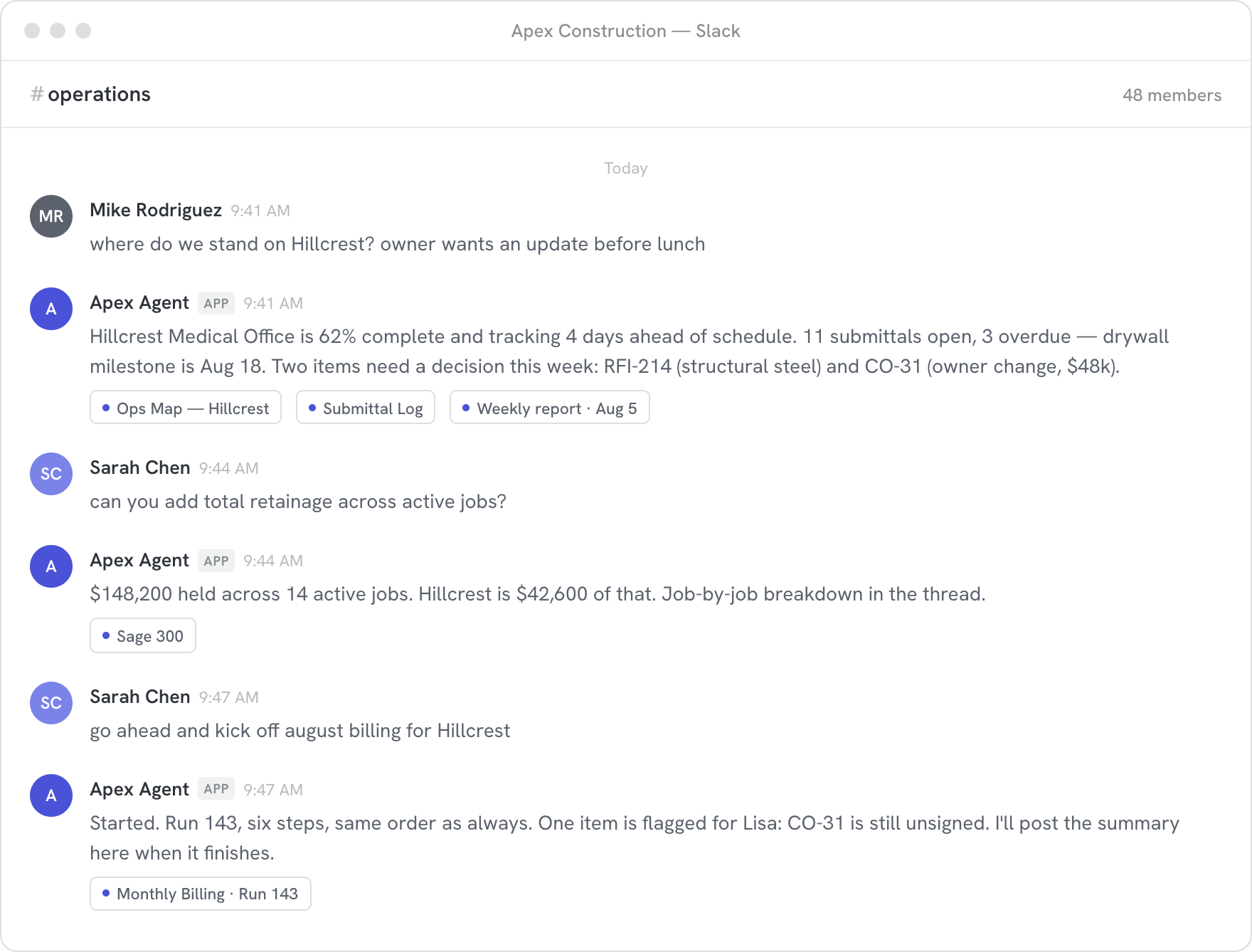
One morning in #operations A shared agent in Slack, answering from your company with sources.
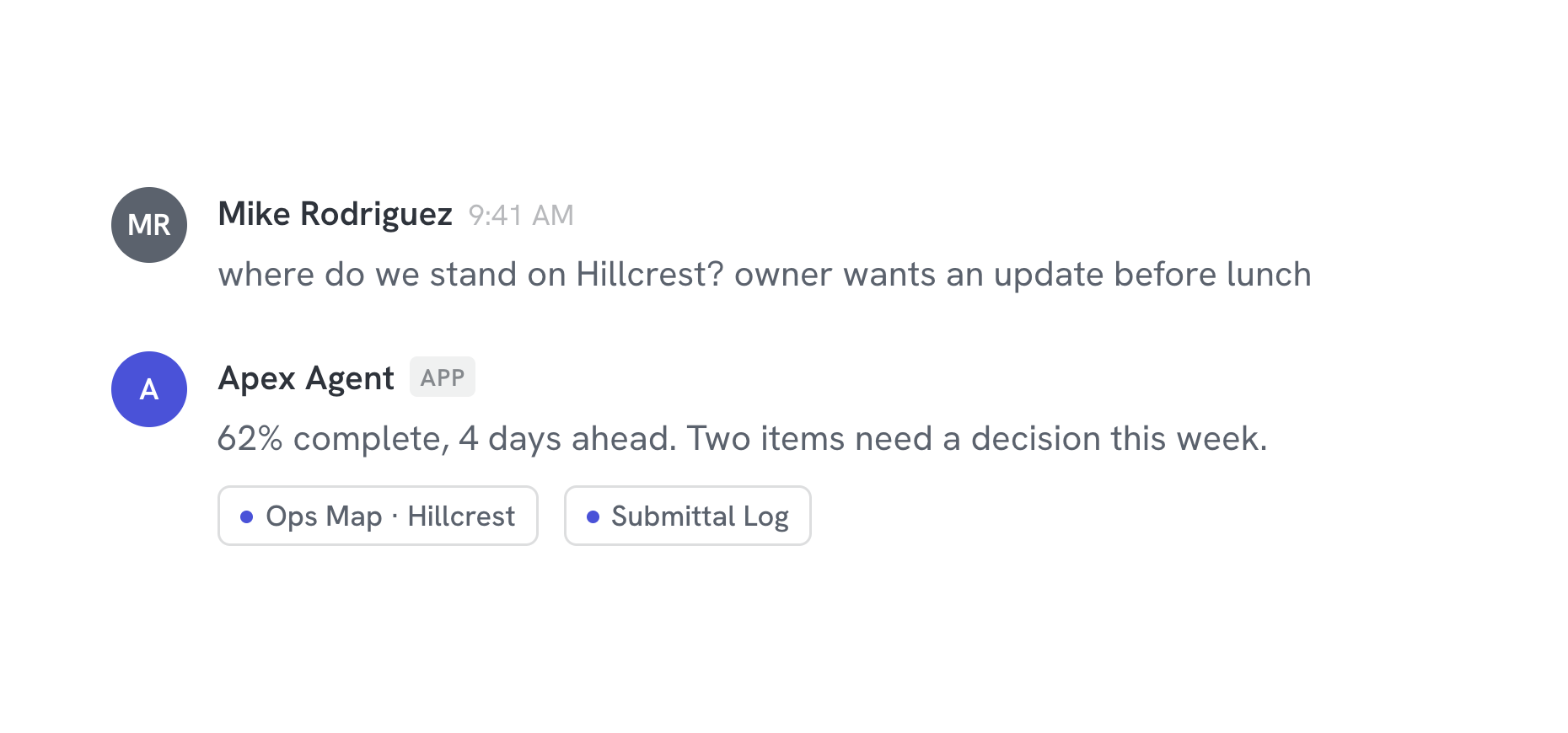
Asked where a job stands. It answers from the map and the submittal log, and shows its sources.
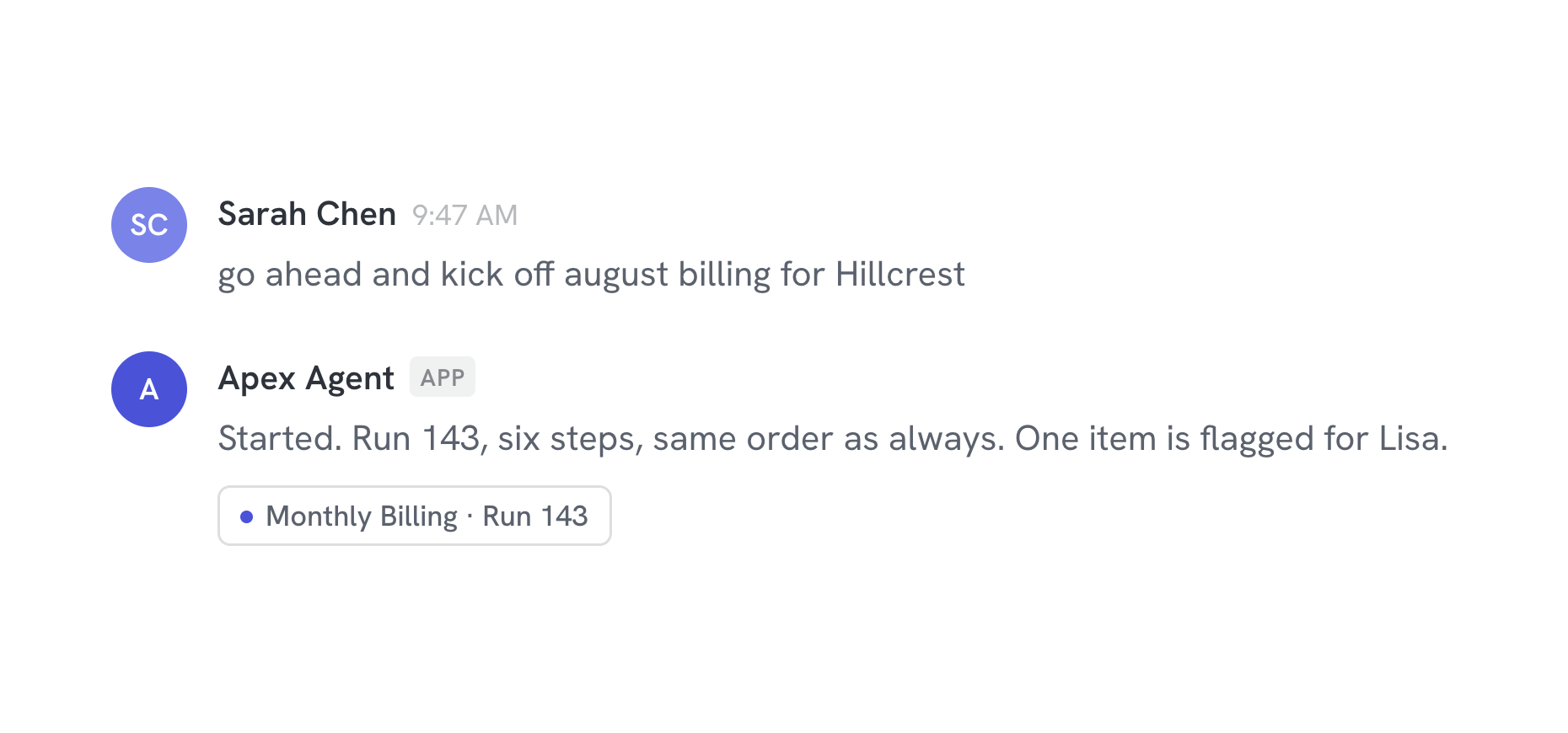
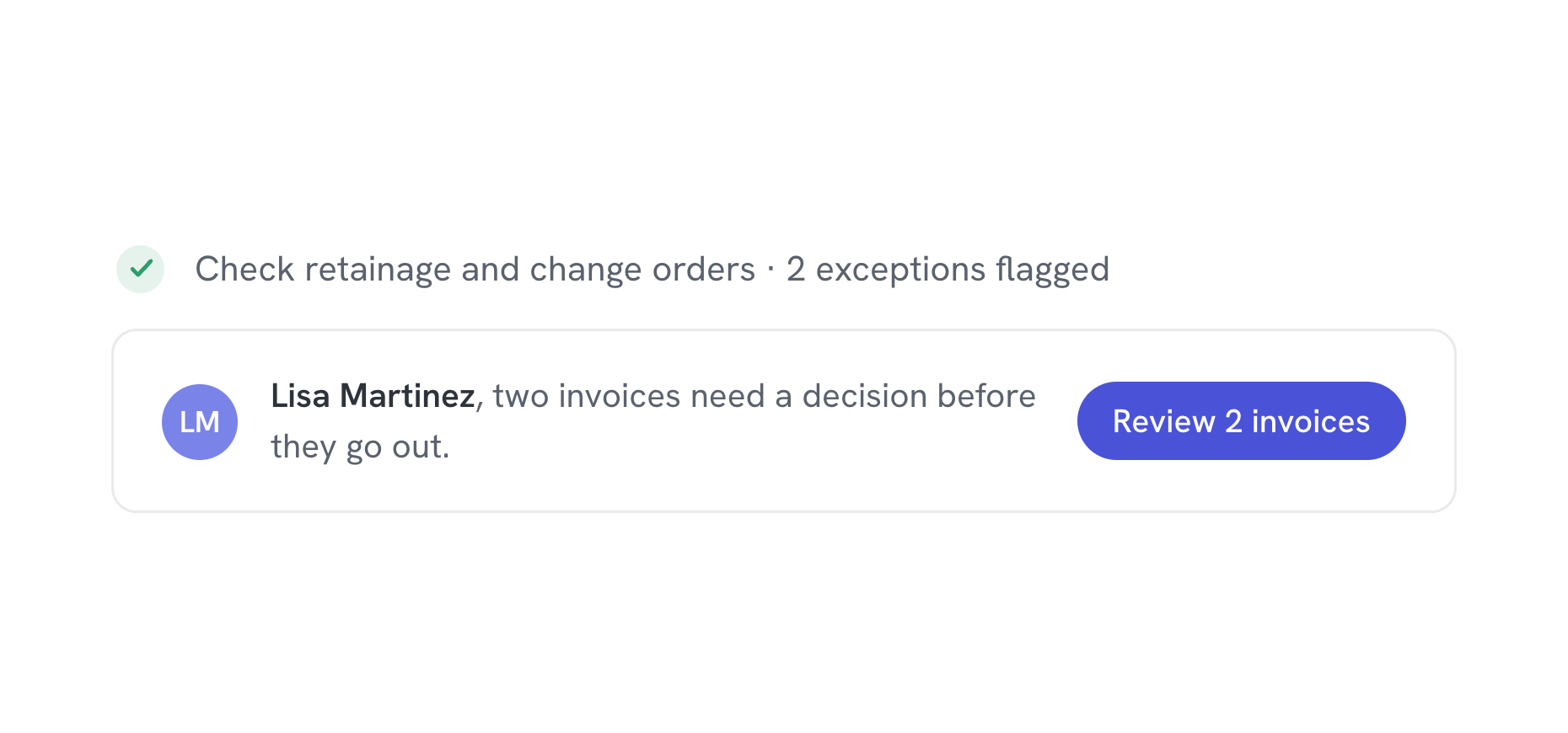
Asked to do something. It runs the app: fixed steps, an exception flagged for a person, a summary when it finishes.
Claude at every desk
Productive for your whole team Each person's agent, set up with your context and tools, useful the first morning.
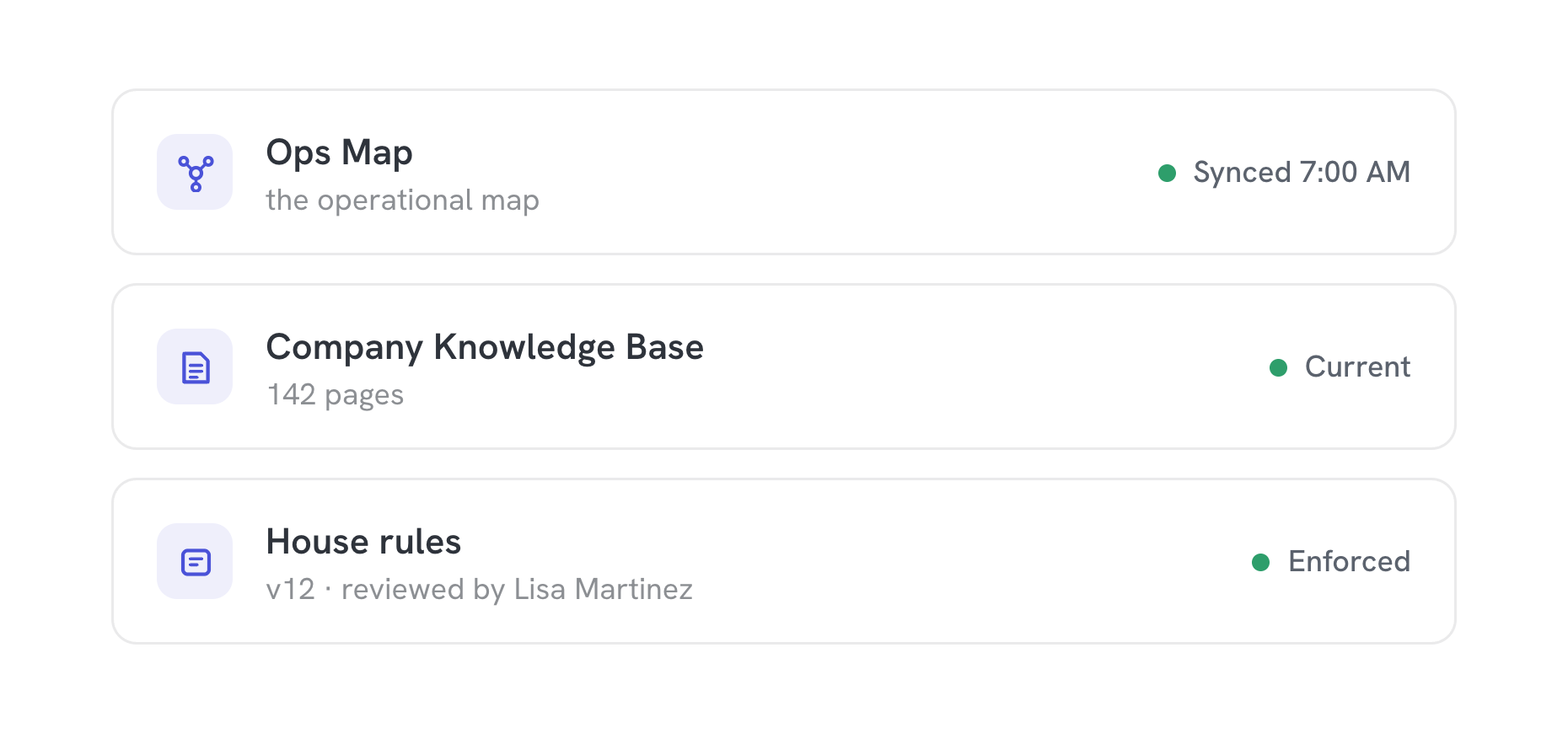
Knows your company
Every employee's agent loads your map, your knowledge base, and your house rules before it answers. Nobody re-explains the business in every chat.
Runs real work
Your agent apps are one ask away: a billing run, a report, an intake. Same steps, same order, every time.
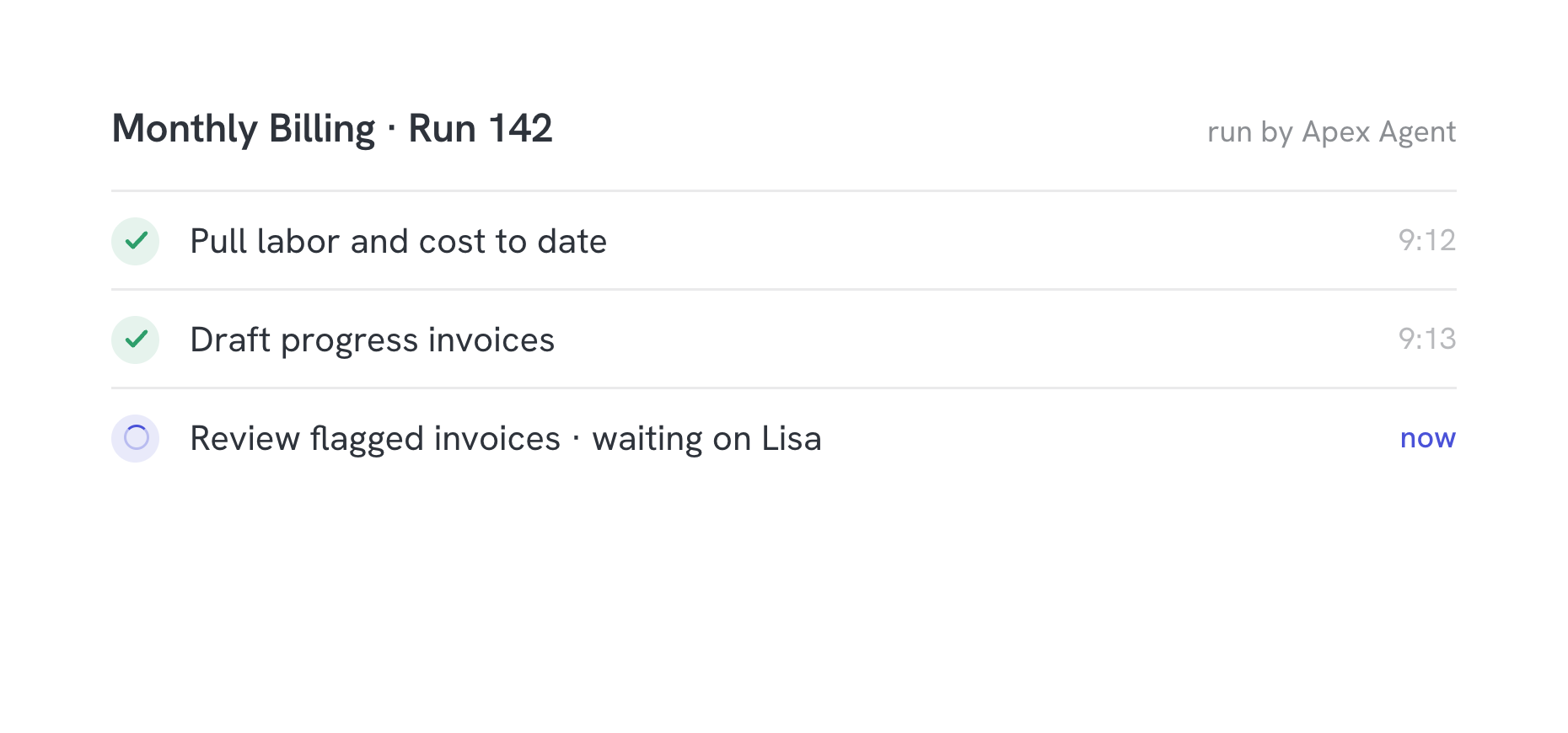
Nothing ships alone
Drafts wait for review. Runs wait for approval where it matters. The agent does legwork; your team keeps judgment.
Questions & answers
Which agents do you set up?
A company agent in the chat your team already uses, Slack today, and Claude for each person. Both connect over MCP, the open standard, so your context and tools carry over if you change vendors.
How do they know our business?
They connect to your Agent Base and read the same context: your map, your knowledge base, and the systems you have connected.
Can they take actions?
Yes. They run your skills and automations under the same rules as everything else: scoped access, and approvals where you put them.
Who can ask what?
Access follows your org. If someone cannot open the payroll folder, the agent will not answer payroll questions for them either.
Is it safe to give agents access?
Agents never hold raw credentials. They request scoped access through your Agent Base, every call is logged, and sensitive systems sit behind approvals.